Guides
Platform outages: down for you or down for everyone, and how to tell
Check platform outages with public report sites, official status pages, network tests, and uptime monitors to tell whether a problem is local or widespread.
When a platform stops working, you first lose the ability to find out why. Its own channels are down, the people who know are busy, and everyone else guesses in public.
This page is built around the questions people ask in that hour. One preparation changes those answers: a small monitor of your own, running before anything breaks.
Nothing here describes a particular incident. For live checks, compare Downdetector or Down For Everyone Or Just Me with the platform's own status information: Discord Status covers Discord, X API Status covers X developer services, and Meta Status covers the Meta business products it lists; consumer-facing coverage can be limited. Outages at named companies can provide context, but the layers where they happen are the same every time.
What to take away
- "Down" can start in five layers, from your own router to one country's routing. The fix, the duration and the damage differ by layer, so locating the layer is the whole diagnosis.
- Your own monitor answers the question a status page cannotis it down for me, from here, on the paths I depend on, right now.
- Status pages report only what the operator has confirmed, at the granularity the operator chose. They lag, and they understate.
- During an outage, record and wait. Afterwards, annotate the window. Republishing into an outage is the one action that reliably makes things worse.
- The lasting damage is rarely the hours lost. It is the false explanation adopted afterwards.
Where an outage can live
| Layer | What is failing | How it looks from your side | Typical duration | What it means for your material |
|---|---|---|---|---|
| Your device or network | Your connection, DNS resolver, browser state | Only you, or only your office, cannot get in | Minutes | Nothing. Nobody else is affected |
| The edge | The content network or name resolution in front of the platform | Some regions fail, others fine; static pages load, actions fail | Minutes to an hour | Delivery is impaired for part of the audience |
| The front door | Login, the main pages, the app's opening screen | Everyone gets errors; the platform is "down" in the headline sense | Under an hour to several | Nothing reaches anyone; your numbers show a hole |
| A subsystem | Uploads, notifications, search, messaging, analytics | The site works but one thing does not | Hours, sometimes longer | Depends entirely on which subsystem |
| A regional segment | One data center or one country's routing | Fine here, broken there | Variable | Your audience in one place is cut off; the rest carry on |
The layers run from nearest to furthest, and that is the order to check in. The nearest ones are the most common and the cheapest to rule out. A single failing component that takes everything else with it is the textbook single point of failure, and large platforms spend a great deal removing them.
Outage layers, nearest to furthest
Layer
- Your device or network
- connection, DNS, browser
- The edge
- CDN, name resolution
- The front door
- login, main pages
- A subsystem
- uploads, notifications, search
- A regional segment
- one data center, routing
What fails
- Your device or network
- only you
- The edge
- some regions fail
- The front door
- everyone gets errors
- A subsystem
- site works, one thing not
- A regional segment
- fine here, broken there
From your side
- Your device or network
- minutes
- The edge
- minutes to hour
- The front door
- hour to several
- A subsystem
- hours or longer
- A regional segment
- variable
Duration
- Your device or network
- The edge
- The front door
- A subsystem
- A regional segment
That is why full front-door outages are rarer than subsystem ones, and why "the whole thing is down" usually overstates a subsystem failure that happens to sit in the path you use.
Down for me, or down for everyone?
You cannot answer this from one place. What you can do is triangulate.
Triangulating an outage
- Try a different network
- Try a different action
- Try a different region
- Check the platform status page
- See if strangers report the symptom
- Try a different network. Turn off Wi-Fi and test on mobile data; if possible, try another device or a private or incognito browser window.
- Try a different action. Reading works and posting fails is a subsystem, not the front door.
- Try a different region, if you have a way to. A colleague elsewhere is the cheapest instrument.
- Check the platform's official status information, such as Discord Status for Discord, X API Status for X developer services, or Meta Status for the Meta business products it lists. Compare it with reports on Downdetector or Down For Everyone Or Just Me; consumer-facing status coverage can be limited.
- Look at whether people you do not know are reporting the same symptom. Volume of complaint is a crude but fast signal that the front door or the edge is affected.
For a quick computer-side check, run ping instagram.com, traceroute instagram.com (or tracert instagram.com on Windows), and nslookup instagram.com. These can reveal a local DNS or route problem, but a failed ping alone does not prove Instagram is down; some servers do not answer ping.
Build your own monitor
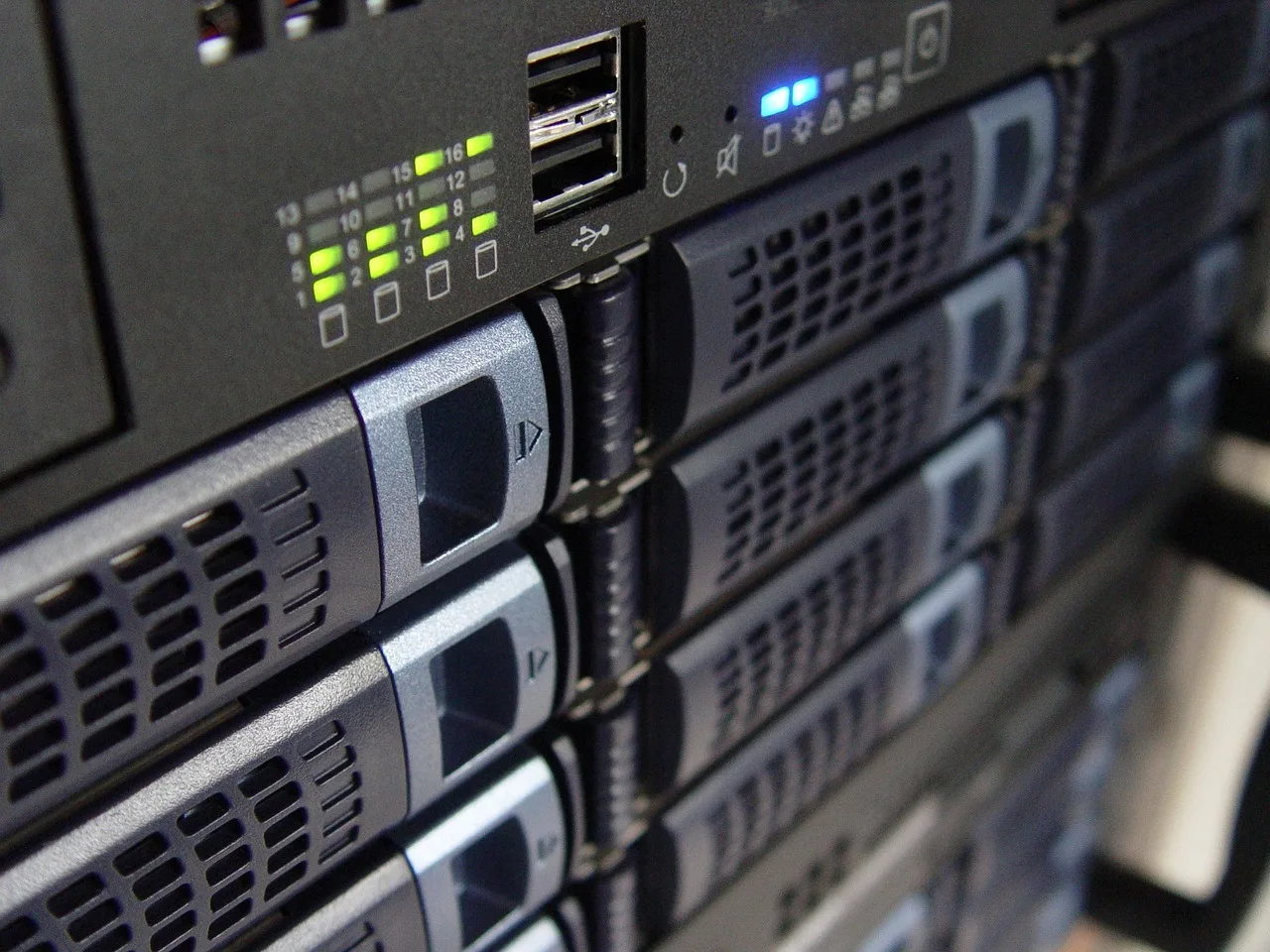
Every operator in the picture above could see, at a glance, which lines were live and which were not. That is all a monitor is for.
A monitor is a script. It runs the things you depend on, from somewhere that is not your desk, on a schedule, and records what happened. The general practice is called synthetic monitoring. The version you need is small.
What to probe. One probe per thing you depend on, no more.
- Fetch a public page of yours on the platform and check that it returns and contains something you expect.
- Fetch a public page from a second location if you can, so the edge layer becomes visible.
- If there is an API you use, call the cheapest read-only endpoint.
- If you publish on a schedule, check that the last scheduled item actually appeared.
How often. Every few minutes for the public fetch; hourly for anything that costs the platform something. Faster than that and you become the problem.
What to record. Time, which probe, success or failure, the response time, and the first line of any error. A basic spreadsheet register is enough: use one row per observation, with the timestamp, platform, change or symptom, network or region, probe result, and any status-page note. Kept beside a register of platform changes, those entries date every drop you will later have to explain.
The response time series is the underrated part: most incidents begin as slowness, and a slow week before a failure tells you more than the failure.
Where to run it. UptimeRobot and Better Uptime can run hosted checks against a public URL; Uptime Kuma is a self-hosted option. Run the monitor somewhere other than your own network, and ideally in two places. These tools can check whether a public URL responds from their probe location, not whether every in-app action works. A free tier of almost any hosting is enough for a script this size.
When to alert. After two consecutive failures, not one. One failure is noise. Two in a row from two places is an incident.
That is the whole build. Its value is not that it tells you the platform is down; the internet will tell you that. Its value is the log, which is what lets you do the thing in the next section.
During an outage
Stop. Do not republish. A failed publish during an outage may have succeeded silently; a second attempt produces duplicates, and duplicates have consequences of their own once constraints outside scoring notice them.
Record the time you first saw the problem and each thing you tried. Hold scheduled items if you can, or accept that they will land into a quiet period, where a thin early response is read as weak evidence about items that were never really shown.
During and after an outage
- DuringStop, do not republish
- DuringRecord first sighting and attempts
- DuringHold scheduled items if possible
- AfterMark the window in analytics
- AfterCheck for duplicates or half-published items
- AfterFix before anything else
After it clears
Mark the window on your analytics and in the register you keep for platform changes. Every metric for those hours is contaminated, and if you do not annotate it now, in three months the dip will look like a ranking change.
Then check whether anything of yours published during the window is duplicated, missing, or stuck in a half-published state, and fix that before you do anything else.
The lasting damage from an outage is rarely the hours lost. It is the false explanation adopted afterwards. When a metric drops, first check the outage log and whether a post failed or was duplicated; then check distribution; only then assess audience response or a ranking change. The broader order is discussed in how a feed decides what to show, and an unannotated outage can send you to the wrong explanation.
Common questions
The status page says everything is operational but I cannot log in. Who is right?
Both, possibly. Status pages report what the operator has confirmed, at the granularity the operator chose. Your monitor and a second network answer your question; the status page answers theirs.
How long should I wait before assuming it is on my end?
If two other routes work and yours does not, it is on your end now. If nothing works from anywhere, wait, and let the monitor keep the log while you do something else.
My numbers dropped on a day with no outage I know of. Could it have been a partial one?
Yes, and this is exactly what the monitor's response time series is for. A regional or subsystem incident that never reached a status page shows up as a slow, failing patch in your own log. It also leaves a quiet hour that a recommender reads as evidence about items nobody was shown.
Should I move platforms after a bad outage?
Outages are a property of every platform. What you should do is make sure no single platform is the only place your audience can find you, which is a decision about dependence rather than about any one incident.
In this guide
- Platform outages risks: a one-page continuity planPlatform outages risks: how to find the choke points where one failure stops several activities, and a small operation's continuity plan that fits on a page.
- Platform outage or algorithm change: triage a traffic dropPlatform outages updates 2027 can't be predicted, so use this order to triage a traffic drop and separate a real outage from an algorithm change.